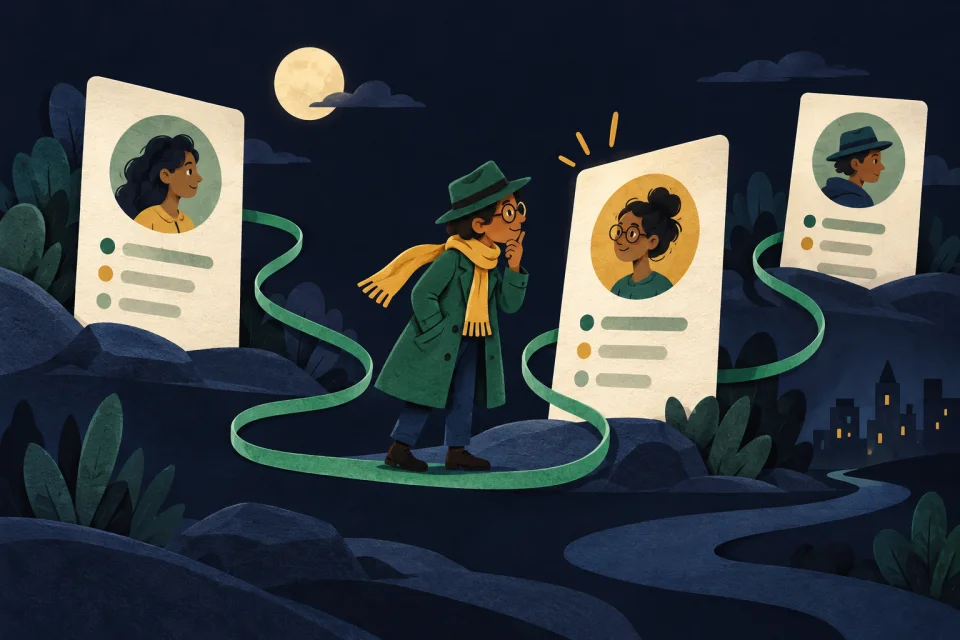
Search Public Profiles And Verify What Is Official
ProfileTrace checks ~900 public platforms to help you find profile matches, confirm official accounts, and collect evidence when impersonators or fake support accounts create confusion.
Your first search is free. No credit card required. Need pricing or trust details first? View pricing and review privacy boundaries.
Already dealing with impersonation or fake support? Get evidence and reporting help.
Find Public Profiles
Search across social platforms, forums, creator tools, and niche directories to see where a username appears publicly.
Verify What Is Official
Compare links, branding, and platform context so you can separate official accounts from mirrors, lookalikes, and fake support.
Collect Evidence And Act
Use links, platform context, and workflow guides to document risk, prepare reports, and move into the right next step.
Start With Your Goal
One operating story runs through the site: search the username, verify what is official, and move into the right trust or reporting workflow.
Search a username
Start with platform-level guides when you need public profile coverage and handle-specific verification logic.
Protect a creator or team
Handle fake support, collab scams, official-account checks, and link-in-bio clones from one creator-focused hub.
Package evidence and reports
Move from profile discovery into incident logs, evidence prep, and reporting help when the problem is already active.
Handle adult-platform incidents
Use the NSFW hub when the problem involves adult-platform profiles, mirrors, or audience-facing impersonation.
How ProfileTrace Works
Search first, then move into the right verification, pricing, and trust flow.
Enter a username
Start with the handle, alias, or known account name you want to review.
Scan public platforms
ProfileTrace checks social networks, forums, creator tools, developer platforms, and niche communities for public matches.
Verify and take action
Separate official accounts from noise, then turn those findings into the right trust, pricing, creator, or reporting next step.
Trust And Buying Context
High-intent visitors usually need two answers quickly: what the product can verify, and what it costs when the incident is real.
Pricing
Start with a free search, then use credits when you need broader sweeps or repeated incident checks.
Privacy And Security
Review the public-data-only boundary so teams know exactly what ProfileTrace does and does not access.
Evidence & Reporting
Move from public profile discovery into incident logs, evidence prep, and reporting guidance without guessing at the next step.
Popular Workflows
Use these pages to go deeper once you know what kind of problem you are solving.
Creator Protection Hub
Handle creator incidents with official-account checks, fake-support workflows, and adult-platform escalations.
Evidence And Reporting
Choose the right path for incident logs, DMCA prep, and structured evidence collection.
Username Search Guides
Platform-specific guidance for verifying public profile matches and account ownership signals.
Supported Sites
Review the platform coverage behind the search and jump quickly into the guide or app path that fits.
Simple, Transparent Pricing
Start with a free search, then buy credits only when you need more searches. No subscription and no long-term commitment.
One credit equals one search.
- +Your first search is free
- +No monthly commitments
- +Starter: 10 credits for $5
- +Power: 25 credits for $10
- +Team: 150 credits for $50
What ProfileTrace Does And Does Not Do
The product is intentionally scoped around public profile discovery and verification workflows.
Searches Public Profiles
ProfileTrace looks for publicly accessible profile signals across supported platforms.
Does Not Access Private Accounts
It does not bypass privacy settings, private messages, deleted content, or password-gated areas.
Supports Verification Workflows
Use results to verify identity, review risk, document suspicious accounts, or plan cleanup.
Keeps Search Activity Private
Read more on the privacy and security page.
Run A Free Search And Review The Public Evidence
Start with the username. Then decide whether the next step is verification, cleanup, brand protection, or reporting.
Start Your Free SearchNeed more context first? Review privacy and security or browse the supported sites directory.
Creator or brand problem? Start with creator workflows.